
Getting/recording/capturing/saving HTTP video streams to hard disk.
How to record Flash FLV Video HTTP or RTMP stream with Replay Media Catcher (recommended method)
Replay Media Catcher is a flash stream ripper. It can record MP3 audio and Flash FLV streaming video broadcasted through HTTP or RTMP protocol (such flash stream URLs start with http:// or rtmp://).
Here’s how to record from Adobe Flash Player with Replay Media Catcher:
- Download and install Replay Media Catcher.
- Open Replay Media Catcher and click “Start Recording”.
- Play your flash video or audio stream.
- All FLV flash video and .MP3 audio files streamed through the HTTP or RTMP protocol will be saved to HD automatically!
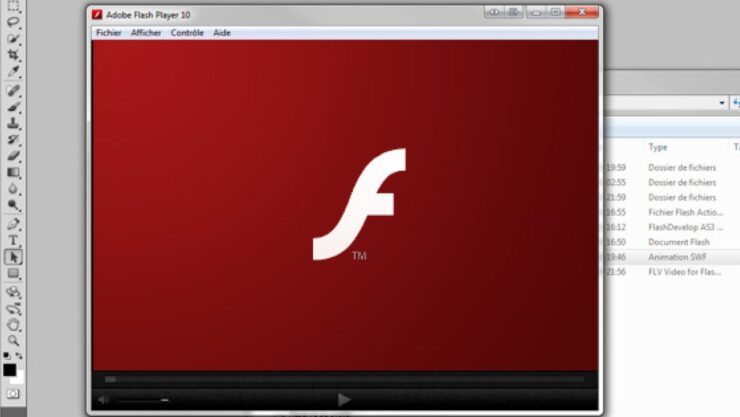
How to download and capture streaming FLV videos RTMP and HTTP protocols with Jaksta Streaming Media Recorder and Converter (recommended method)
Jaksta Streaming Media Recorder and Converter can download and capture FLV videos from Adobe Flash Player plug-in:
- Run Jaksta Streaming Media Recorder and Converter
- Click the Record button.
- Navigate to a web page with your video stream and play it in the embedded flash player.
- All .FLV flash video streams broadcasted through the HTTP or RTMP protocol will be downloaded / captured automatically.
How to record Flash FLV Video HTTP stream with WM Recorder
WM Recorder is a stream recorder that can record Flash FLV streaming video broadcasted through HTTP protocol (as well as many other audio/video streams).
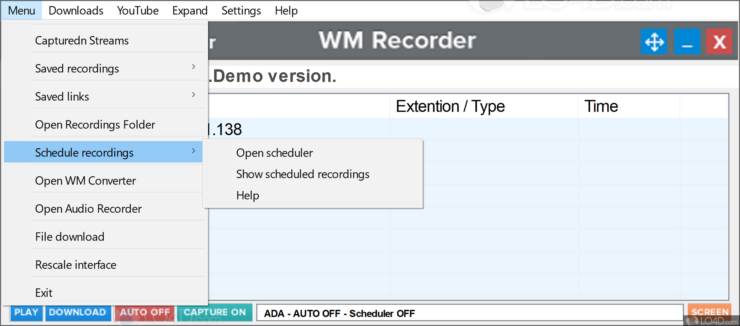
Here’s how to record FLV HTTP stream in real-time with AUTO recording mode enabled (AUTO ON):
- Download and install WM Recorder.
- Open WM Recorder.
- Click the MODE button. The Recording Modes dialog appears.
- Choose the ADA Mode. WM Recorder will automatically choose the best Adapter for you. It is always the default adapter that Windows uses.
- Select Auto recording so that you no longer need to click the Record button to start a recording. Every supported audio or video stream you play is automatically recorded in this mode.
- Using your browser or your media player, play the FLV video you want to record.
- Recording starts automatically. The RECORD button turns to STOP. Once the recording begins you can start playing and recording another video/audio clip. There is no need to wait until the play is finished.
- To end one or more recordings click STOP and select the desired action from the pop-up menu.
Note that WM Recorder also supports other recording modes. The above-mentioned method is the easiest one because it doesn’t even require you to hit the RECORD button. Please refer to the user guide for more.