
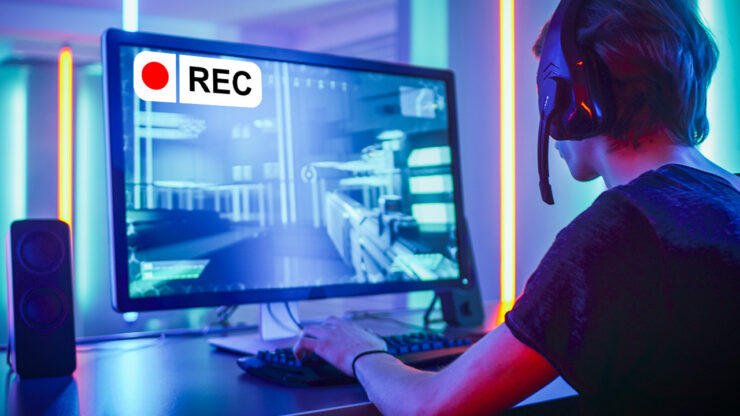
Recommended Screen Recorder
- Replay Video Capture Editor’s choice! (Shareware – $39.95/ Windows) – the BEST Video quality of any screen recording programs tested. MPEG-2, MP4 or WMV output. Easy to use window selector, optimized video codecs. This program has the best audio support, and the highest quality video.

Other Screen Recorders
- Debut (Freeware/Windows) – free video screen capturing software. Record record video from webcam, capture device or screen. .AVI, .WMV, .FLV, .MPG, .MP4 output.
- CamStudio (Freeware/Windows) – free video screen capturing software. Record all screen and audio activity on your computer and create industry-standard AVI video files and using its built-in SWF Producer can turn those AVIs into lean, mean, bandwidth-friendly Streaming Flash videos (SWFs).
- Krut (Freeware / Windows, Linux, MacOS) – free open source screencasting software. Allows to record video with sound and create MOV video files.
- liteCam (Shareware – $19.00/Windows) – easy to use screen video capturing software. Record all screen and audio activity on your computer instantaneously or schedule your recordings.
- BB Flashback (Shareware – $199.00/Windows) – powerful screen video capture software that allows not only to record videos from screen, but also to edit them, adding text annotations, zooming and cropping videos.
- ScreenFlow (Shareware – $99.00/Mac OS X) – powerful screen video capture software that allows not only to record videos from screen, but also to edit them, adding text annotations, zooming, panning and trimming videos.
Forum: The BEST screen capture software and tips on high-quality recording
Related software
- Wink (Freeware/Windows, Linux) – Free tutorial and presentation creation software (Windows/Linux)
- ZoomIt (Freeware/Windows) – Free presentation utility: zoom and draw on your screen (Windows)
- Adobe Captivate (Shareware – $799 / Windows) – Create software demonstrations/simulations, scenario-based training, quizzes
NEWS: Replay Media Catcher 6 is now available. Downloads from more sites than ever!